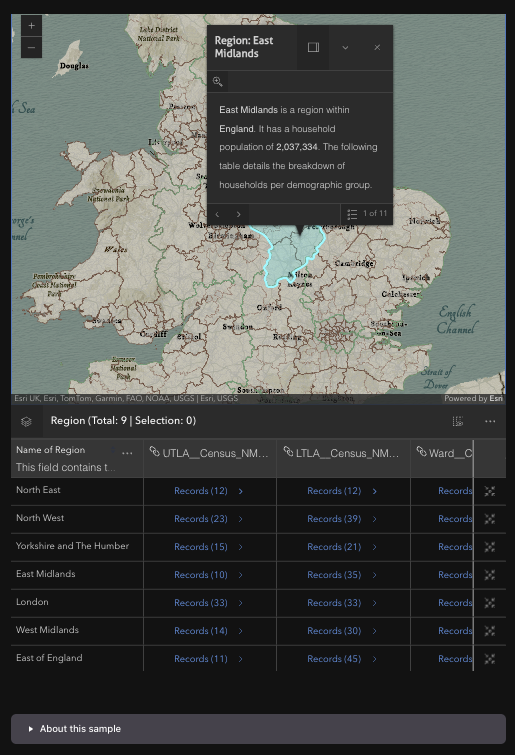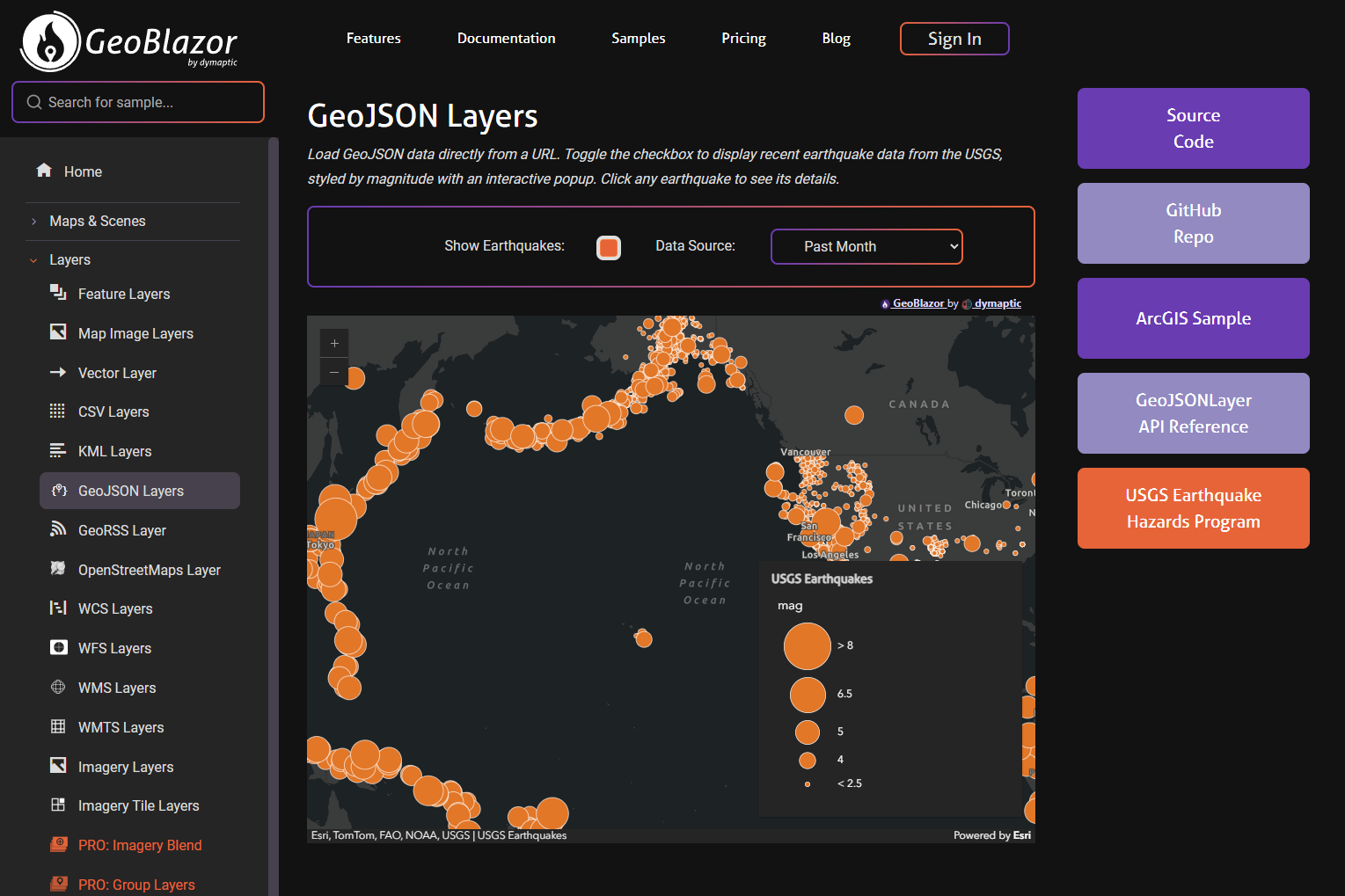
Bridging Multiple Platforms with GeoBlazor and Uno
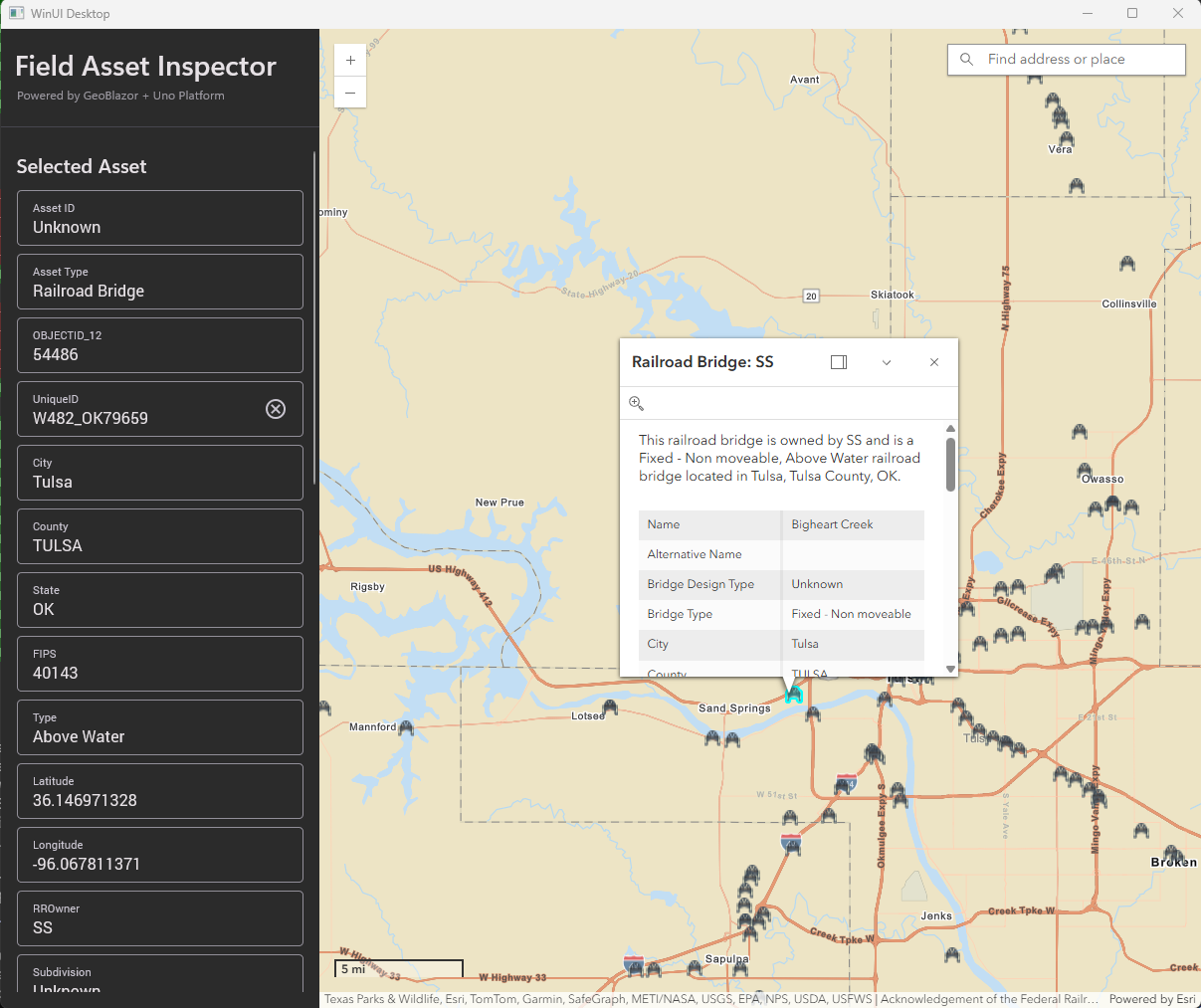
Bridge the gap between native and web with GeoBlazor and Uno Platform — then put real railroad bridges on the map to prove it.
Tutorials, Tips, and Product Updates
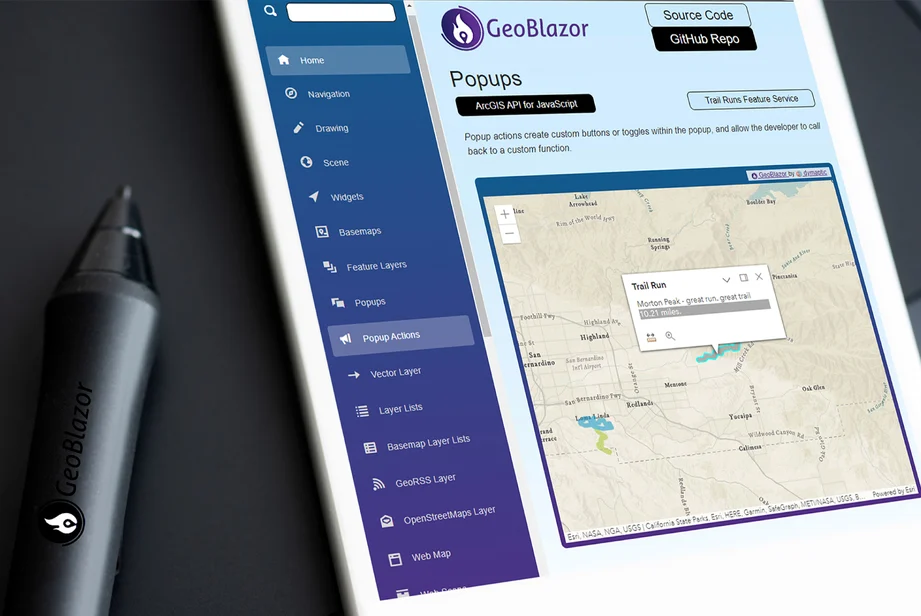
Technical articles and tutorials for GeoBlazor developers. Learn how to implement mapping features, integrate ArcGIS tools, and build enterprise GIS applications using Blazor, C#, and Razor syntax.

Bridge the gap between native and web with GeoBlazor and Uno Platform — then put real railroad bridges on the map to prove it.

GeoBlazor Pro is a developer license, not a deployment license. Pay for seats at build time, deploy to unlimited customers royalty-free. Here's how our licensing actually works and what registration keys are.

Just in time for the holidays, GeoBlazor 4.4.0 brings improved error handling, smarter Bookmarks and Measurement widgets, RTL language support, and API refinements. Consider it our gift to you this season!

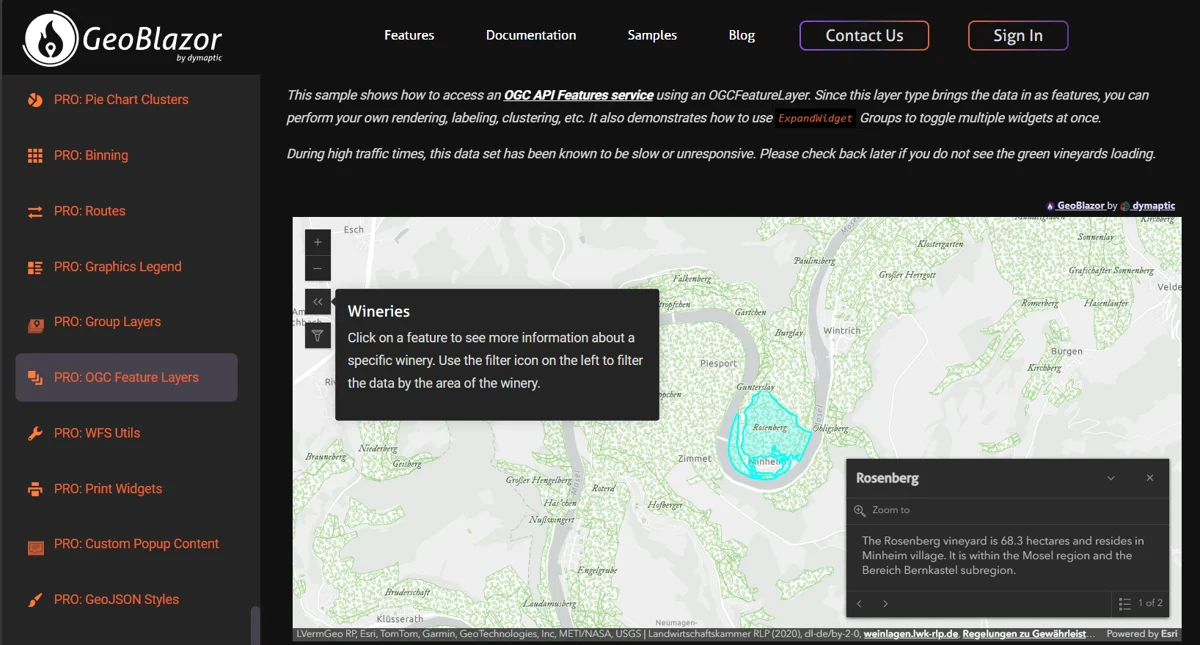
GeoBlazor 4.3.0 brings improved OAuth authentication, new layer view types, ExpandWidget enhancements, and powerful Pro features including OGCFeatureLayer and WebStyleSymbol. Update now for a more powerful and seamless mapping experience!

Learn how to implement location search in Blazor with GeoBlazor—less code, no JavaScript, and powerful GIS features. This step-by-step tutorial shows how to create a map with search functionality and custom markers using intuitive component-based architecture.

A comprehensive hands-on comparison of ASP.NET Core Blazor and Next.js for building interactive web applications. From installation and project setup to file structure and running your first app, see how these two modern frameworks stack up for developers.

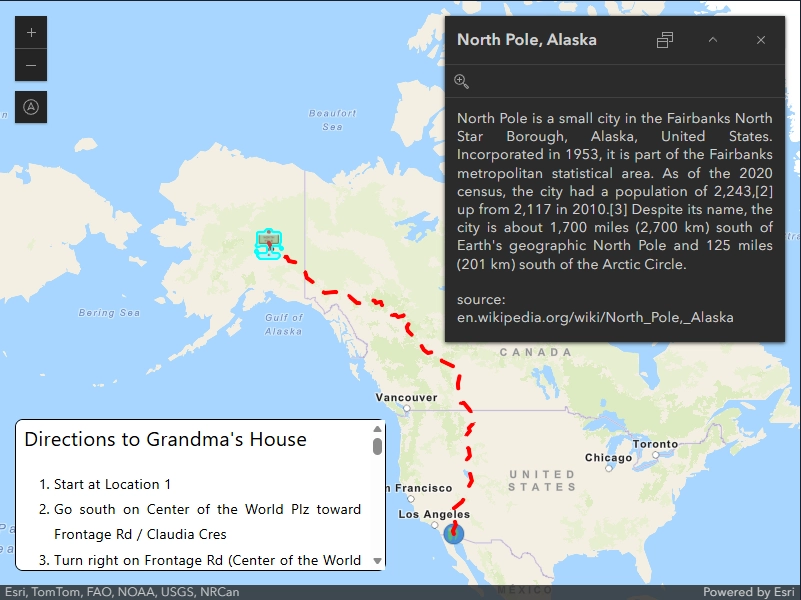
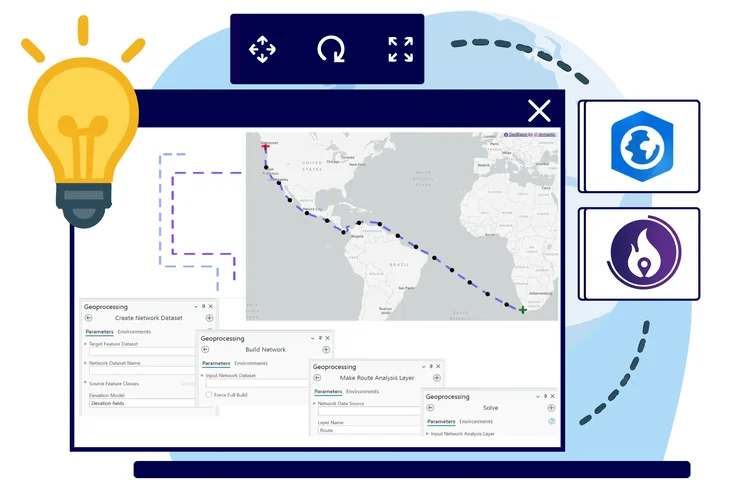
Learn how to bring advanced network analysis tools into your web application by leveraging ArcGIS Pro's routing capabilities, ArcGIS Enterprise, and GeoBlazor. This post covers building routing services, generating progress points, and solving the International Date Line challenge.

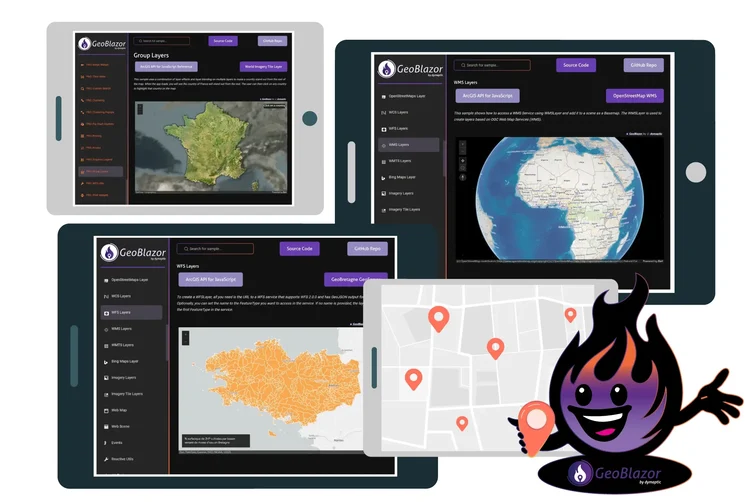
GeoBlazor 4.0 represents a major milestone with automated code generation, two-way data sync, new layer types (WMS, WMTS, WFS), and GroupLayer support. Meet Torchy, our new mascot, and discover the future-proof foundation for .NET mapping applications.

Learn how to integrate GeoBlazor's powerful mapping capabilities into your existing ASP.NET MVC application without rewriting everything. This guide covers setup, creating map components, and adding both embedded and routable maps to your MVC views.

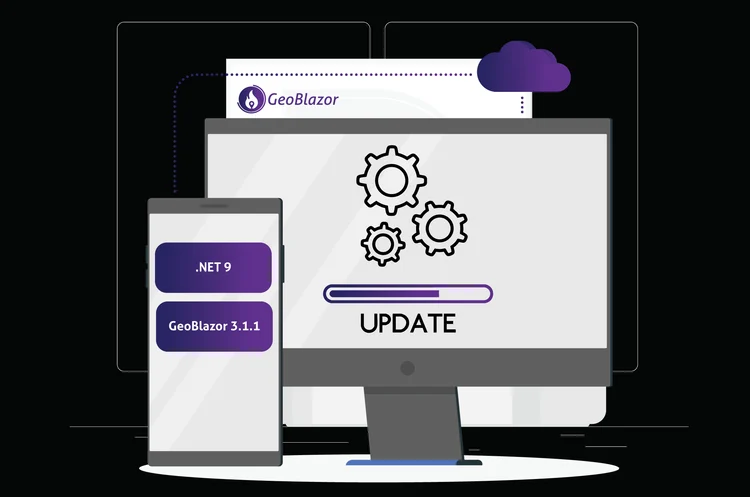
Learn how to migrate your GeoBlazor application from .NET 7 and GeoBlazor 2.0 to the latest versions with .NET 9 and GeoBlazor 3.1.1. This step-by-step guide covers framework updates, package upgrades, and authentication changes.

Learn the fundamentals of working with geometry in GeoBlazor - from understanding XY pairs and spatial references to creating points, lines, and buffers on interactive maps. Includes practical code examples and explanations of geodesic vs planar coordinate systems.

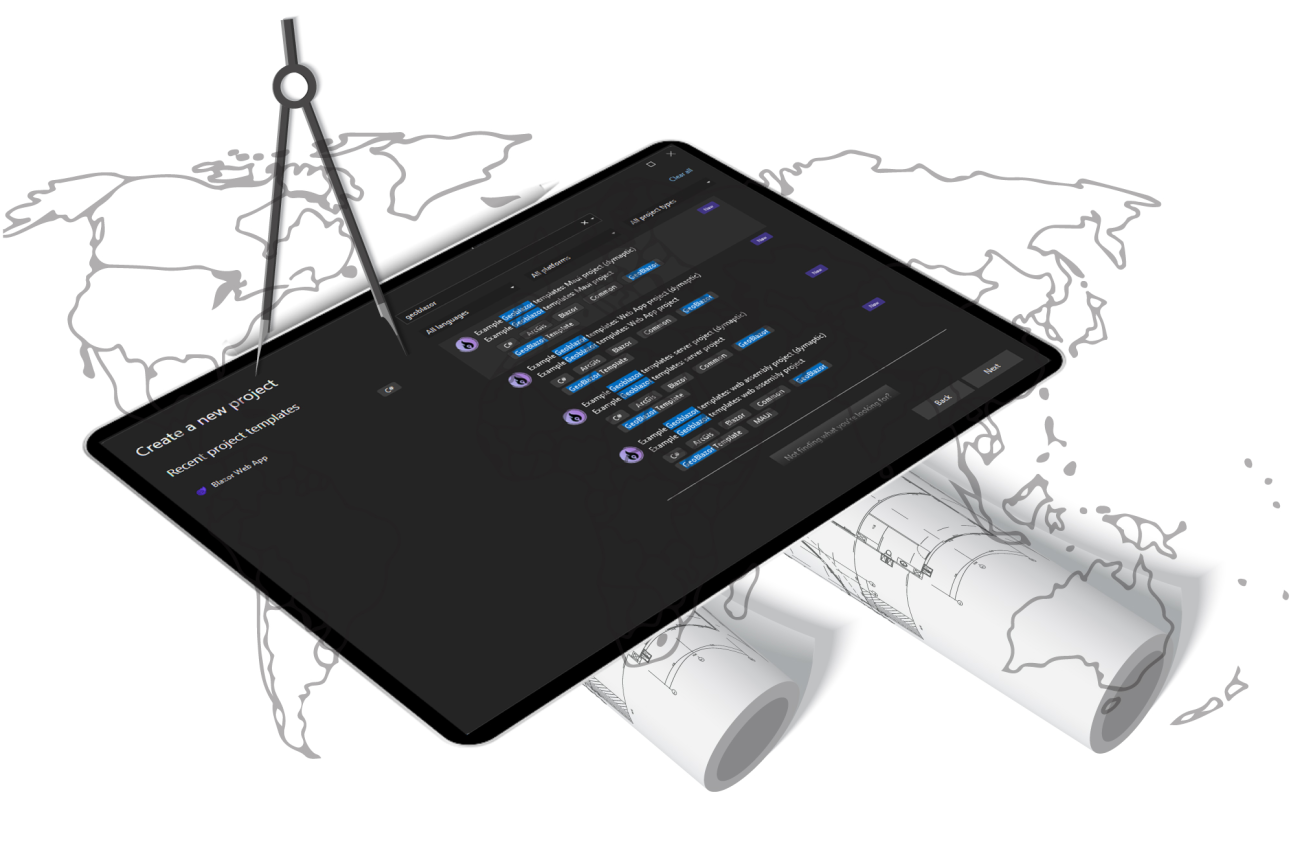
Get started with GeoBlazor faster than ever! New Visual Studio templates handle all the boilerplate setup, letting you focus on building mapping features. Learn how to install and use templates for Server, WebAssembly, MAUI, and Web App projects.

Help drive the future of GeoBlazor! Learn how you can support the ongoing development of this open-source mapping API through GitHub Sponsors and GeoBlazor Pro subscriptions.

We're excited to announce the first beta release of GeoBlazor Pro! Get access to advanced widgets including Sketch, Editor, Swipe, Time Slider, and more. Join the free open beta and help shape the future of GeoBlazor.

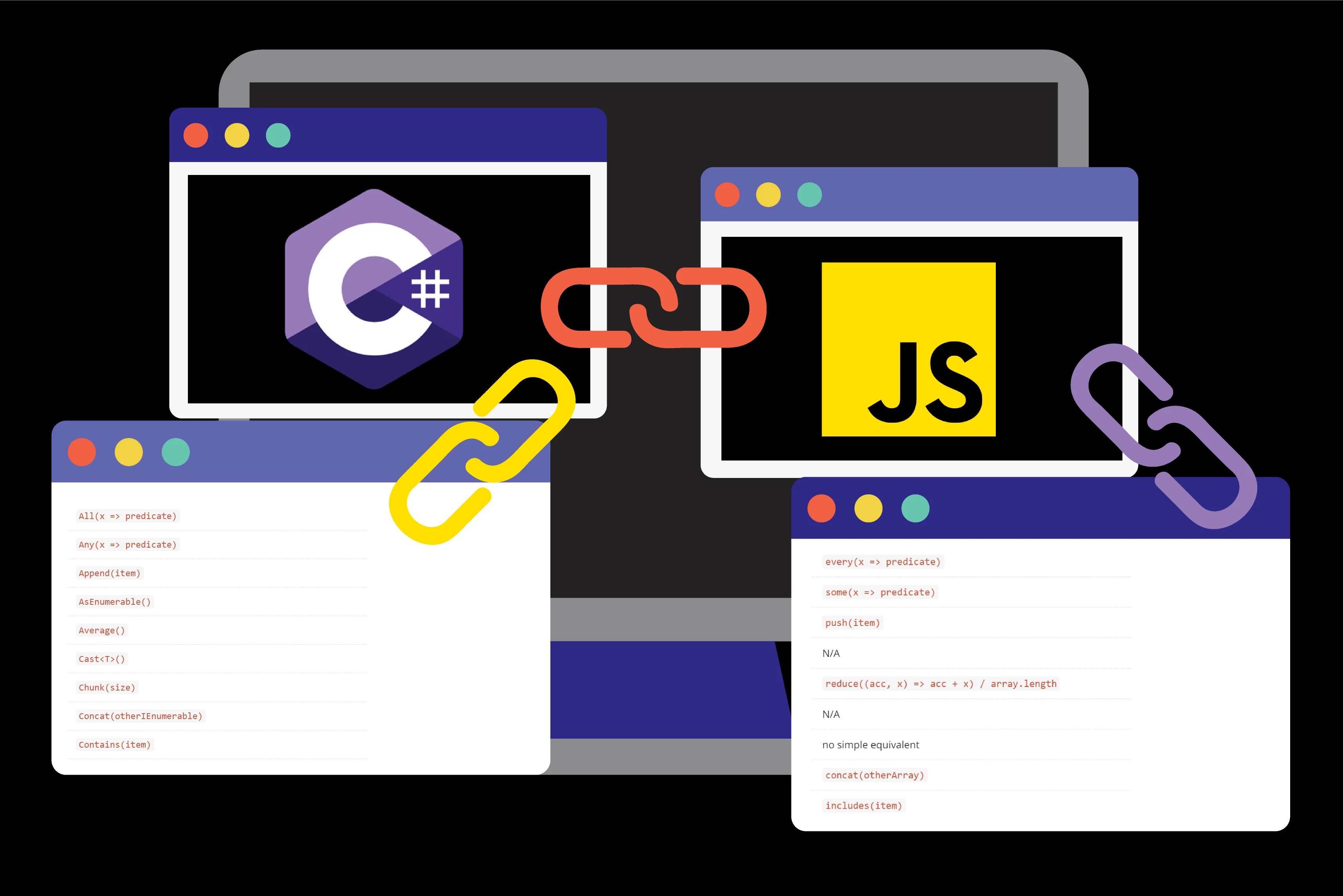
A comprehensive guide to translating C# LINQ methods to their JavaScript Array equivalents. Learn how to switch seamlessly between languages when working with collections and arrays.

The story behind building GeoBlazor - from discovering a gap in Esri's developer offerings at the 2022 Developer Summit to creating a component-first SDK that bridges ArcGIS and Blazor.

Learn how to use IJSObjectReference and DotNetObjectReference to embed a JavaScript text editor in Blazor with seamless interop between C# and JavaScript.

Build a Blazor application that shows the Day/Night Terminator - a shadow graphic that reveals exactly where the line is between day and night for any given date and time. Learn how to create an interactive solar tracker with ASP.NET Core Blazor and GeoBlazor.

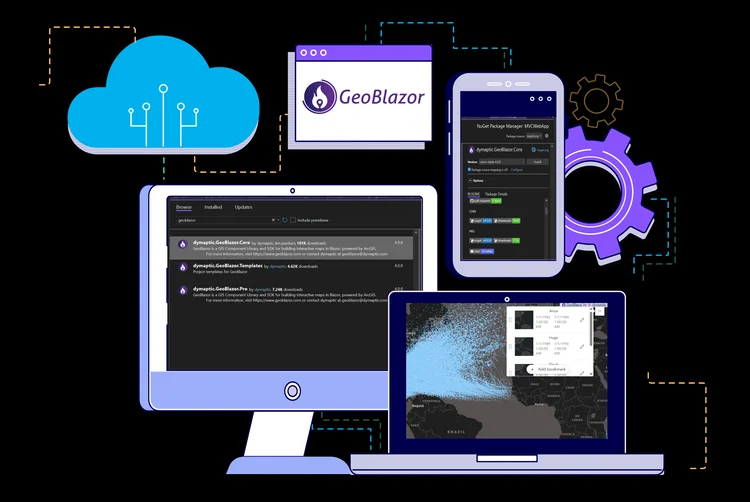
Announcing a free, open-source NuGet package for accessing ArcGIS directly in Blazor components, with no JavaScript required! Learn how to get started building web mapping applications in pure C#.

Learn how to use IJSRuntime in Blazor to call the ArcGIS API for JavaScript from C#. This tutorial shows you how to create modern web mapping applications by combining the power of Blazor with Esri's mapping technology.

Learn how to build interactive web applications using C# instead of JavaScript with ASP.NET Blazor. This tutorial covers getting started with Blazor, exploring Razor components, and leveraging the power of .NET for modern web development.